How to Buy a Baked Beaver
STEP 3: Connect your wallet to the Magic Eden Marketplace
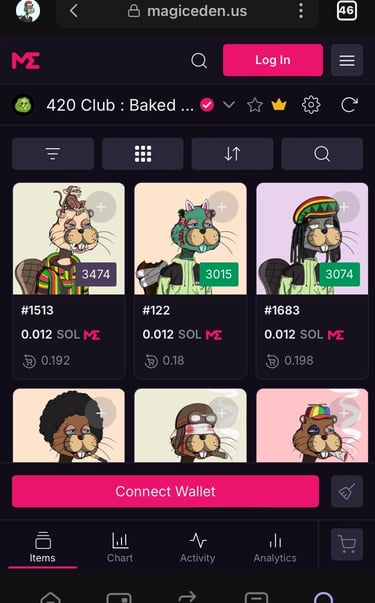
STEP 2: Use the web browser in the Phantom wallet app to access the Magic Eden Marketplace
STEP 1: Create a wallet. You will need a Solana wallet to hold your Baked Beaver. A Phantom wallet is recommended. (If you already have a wallet, skip this step.)
Go to phantom.app and download to your device.
Follow the installation steps of the Phantom app on your device.
Select "Create new wallet"
It is recommended to enable biometric security and click "Next". This will add extra security to your wallet and make sure only you can access it.
You will be presented with a "Secret Recovery Phrase" (Seed Phrase)
This is a very important step!
You'll see your secret phrase, 12 random words you will need to write down and secure in a safe place.
Never lose them or share them.
If you do, your wallet will be gone forever, and no one will ever be able to get it back.
Fund your wallet with some SOL through the "Buy" feature in the wallet using google pay or apple pay.
While in the Phantom Wallet App, click on the magnifying glass in the bottom right hand corner to access the web browser.
Copy and paste the URL from this site and paste it in the Phantom Wallet to open this page inside your wallet's browser.
Click on the button below to access the marketplace through the wallet's browser.
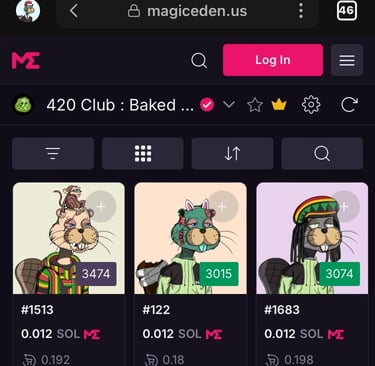
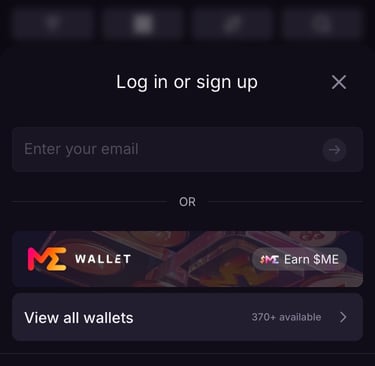
Click "Login" in the top right-hand corner.
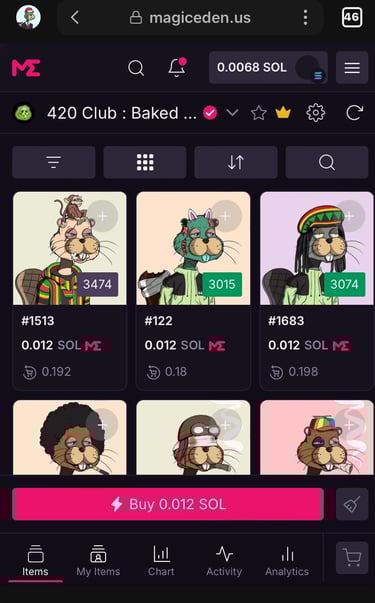
STEP 4: Finished!
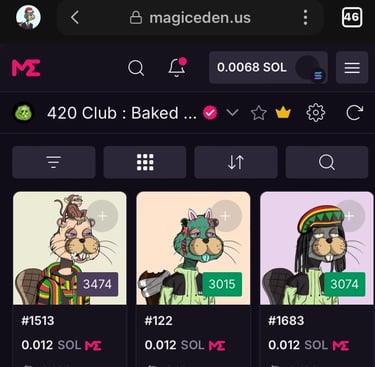
You are ready to buy your first Baked Beaver!
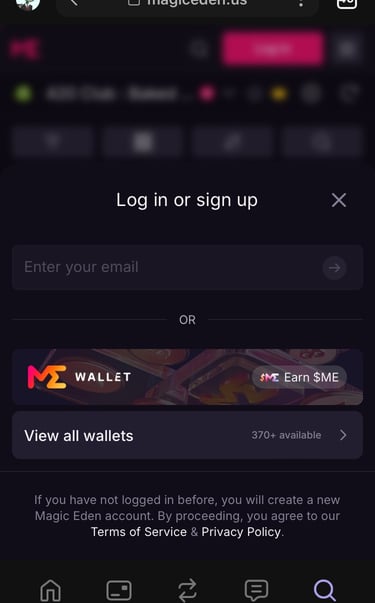
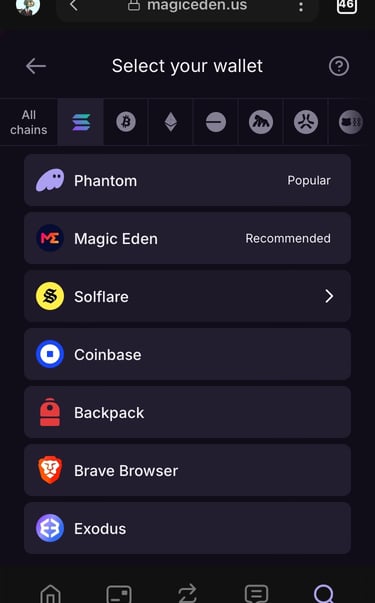
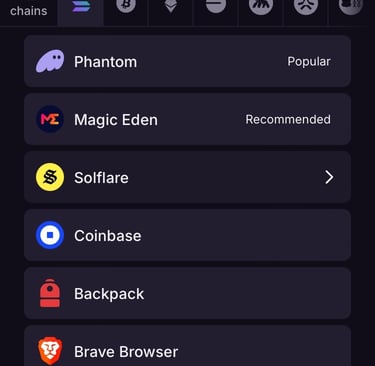
Click "Phantom"
Click "View all Wallets"
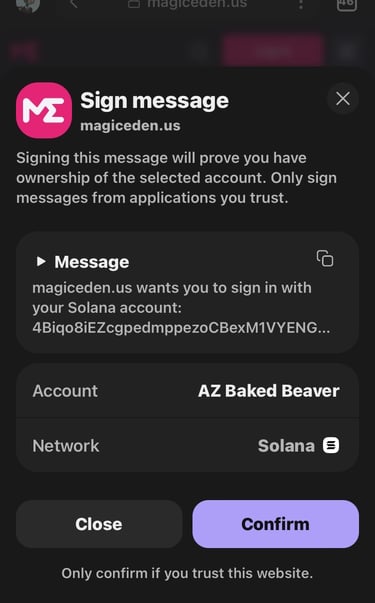
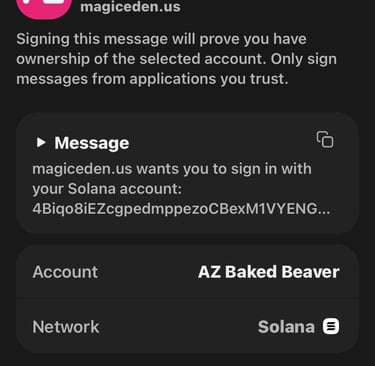
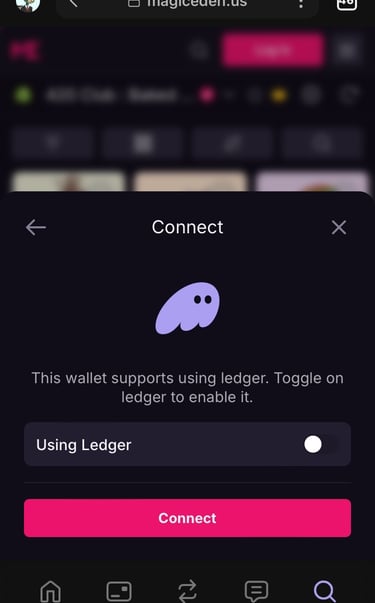
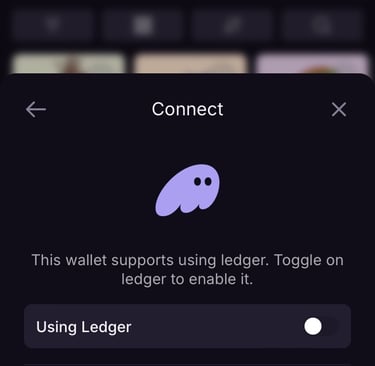
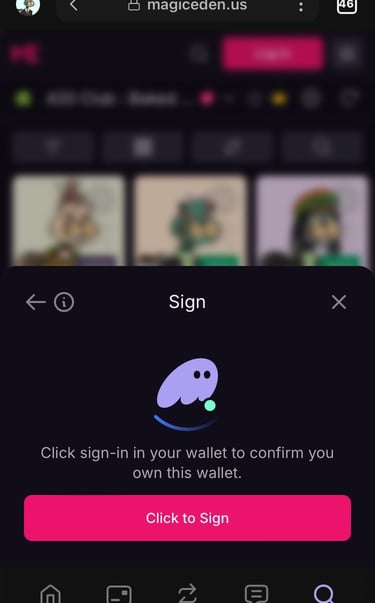
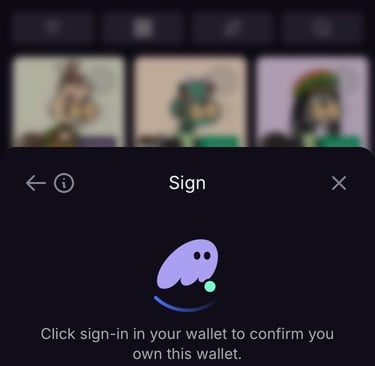
Click "Connect" > "Confirm" > "Click to Sign"